Welcome to our Knowledge Base
Multiple Registrants
- Create a “Nested” form for the fields that are repeated for registrants. Set up all of the fields that are repeated (name/age/etc).
- Create a Registration form with payment information/waivers.
- Add the field “Nested Form” and select the form you set up in Step One.
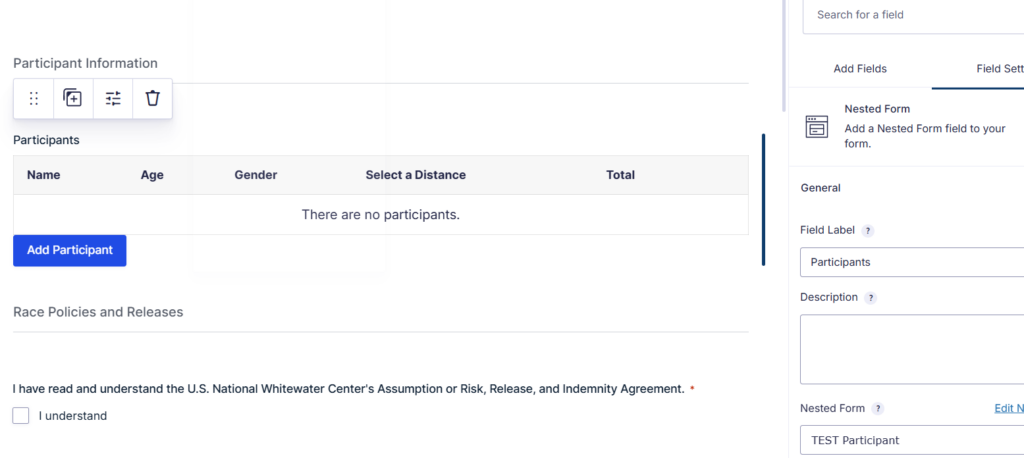
Participant Form – Product Fields:
To get the product fields to calculate correctly, you need to do the following:
- On the Participant Form, make sure there is a “Total” field.
- On the Registration form, add a “Product” field and select “Calculation” as Field Type. Name field “Subtotal.”
- Add the merge tag {Participant Form Name:ID#:total}. Change to the Participant Form Name and Nested Field ID number.


If you don’t do this, the calculations won’t work.